Betwinner App
Betwinner App gives players in the Gambia a direct way to access the platform from a mobile device. The application can be used for sports betting, live markets, casino games, payments, bonuses and account settings from the same mobile account. It is mainly useful for users who prefer opening the service from a smartphone instead of entering through a browser every time.
Before installing the app, users should understand how the APK file works and what checks are necessary. The file should come from a reliable source, Android may require permission to install apps from external sources, and the requested permissions should be reviewed before opening the application. These steps help reduce the risks linked to modified files, outdated versions or unsafe third-party links.
This guide explains the main points related to the Betwinner mobile app: installation, account access, available sections, updates, security precautions and differences from the browser version. Users who want to compare mobile access with the web interface can also check the main Betwinner platform before choosing the most convenient option for their device.
What Is the Betwinner App
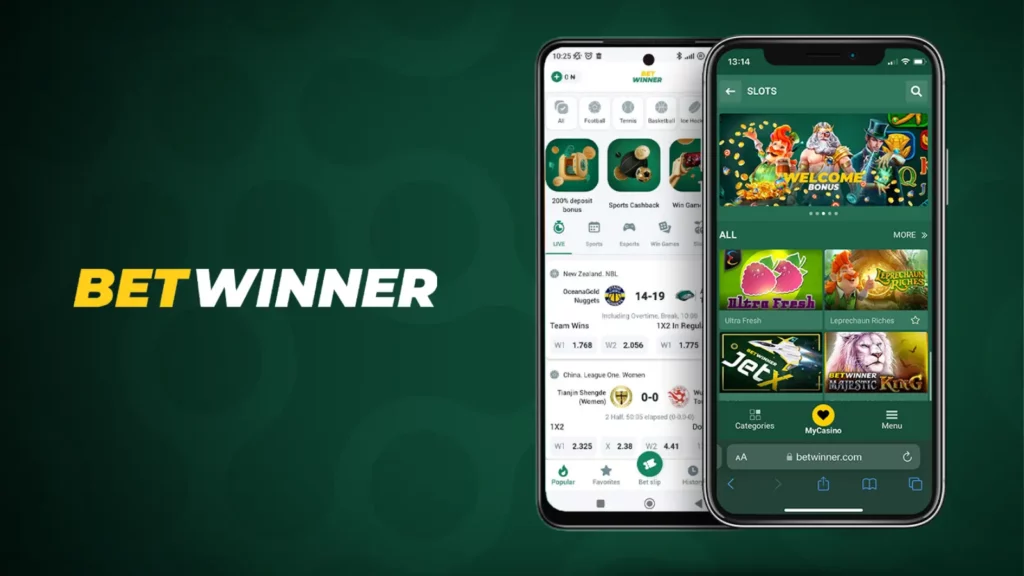
The Betwinner App is the mobile version of the Betwinner platform. It provides access to sports betting, casino games, live events, and account tools directly from a smartphone or tablet. The interface is optimized for quick actions such as checking odds, placing bets, or following live matches. All core functions of the main platform remain available on mobile.
The Betwinner App focuses on three priorities:
- fast loading of betting markets
- stable performance during live events
- quick access to account tools
The application connects to the same system as the desktop platform, so balances, bets, and activity remain synchronized across devices.
Advantages Over the Web Version
The mobile website and the Betwinner App provide the same platform access, but the application offers several technical advantages during active use. The main difference is speed. Part of the interface is stored on the device, which reduces loading time when opening sports markets or casino sections.
Other advantages include:
- faster navigation between sections
- smoother updates of live odds
- push notifications for important events
- stable performance during long sessions
- lower data usage compared to mobile web
Device Compatibility and Requirements
The Betwinner application is designed for Android devices and distributed as an APK file for manual installation. The program runs on most modern smartphones and tablets without requiring high-end hardware. Typical requirements include:
- Android operating system version 5.0 or higher
- stable internet connection (mobile data or Wi-Fi)
- about 100 MB of free storage space
- permission to install APK files from external sources
| Operating system | Android 5.0 or newer |
| Storage required | Approx. 100 MB |
| Internet connection | Mobile data or Wi-Fi |
| Installation format | APK file |
These requirements allow the Betwinner platform to run on most Android devices commonly used by players in the Gambia.
How to Download the Betwinner App
The Betwinner application is downloaded from the official platform as an APK file. Users open the mobile website, download the file, and install it from the device storage. The process usually takes less than a minute.
Official Download Sources
The safest way to install the application is through official Betwinner resources to ensure the APK file is original and connects to the real platform servers.
Recommended sources include:
- the official Betwinner website
- the mobile version of the platform
- direct download links inside the user account
Using official sources helps avoid modified APK files on third-party websites.
APK vs Mobile Web: Differences
The Betwinner App installs on the device, while the mobile version runs in a browser. Both provide the same platform access but differ in technical performance.
| Feature | Betwinner APK | Mobile Web Version |
| Installation | Installed on the device as an APK | No installation required |
| Loading speed | Usually faster after installation | Depends on browser performance |
| Notifications | Supports push notifications | Limited notification support |
| Interface stability | Optimized for mobile navigation | Browser interface adaptation |
| Data usage | Often slightly lower | May use more mobile data |
Both options work well, but many players prefer the Betwinner App because navigation and live updates are faster during active sessions.
Installing the App on Android
The Betwinner App is installed on Android using an APK file downloaded from the platform. Installation takes less than a minute. After setup, users can access betting, games, and account tools. Before installation, enable APK installation from external sources in the device security settings.
Steps to Install the APK
Installation steps:
- Open the official Betwinner website.
- Go to the download section.
- Download the APK file.
- Open the file from device storage.
- Confirm installation.
- Wait until installation finishes.
- Launch the program.
Permissions and Initial Setup
During the first launch the system may request several permissions required for operation.
Typical permissions include:
- internet access
- notifications
- temporary file storage
After that, users log in or create an account to access the platform.
App Legality and Security
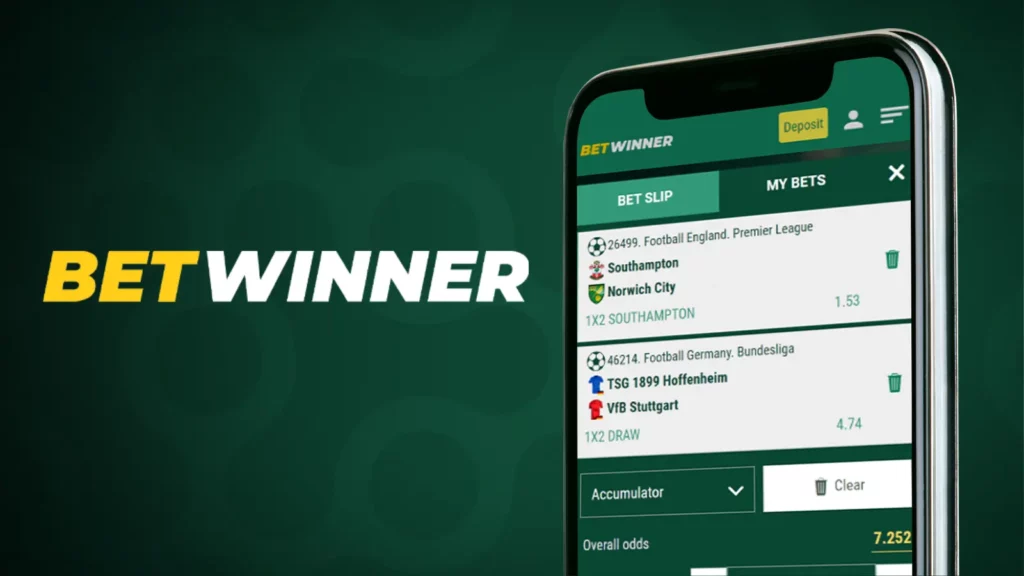
The Betwinner App operates under the same legal and technical framework as the Betwinner platform. All activity runs through the same servers and security systems. For users in the Gambia, the mobile version simply provides another way to access the platform.
The system protects three main areas:
- account access
- financial transactions
- personal data
Licensing and Security Standards
The Betwinner platform operates under an international gaming license regulating payments, betting activity, and data management.
Main security measures include:
- encrypted data transfer
- protected payment processing
- fraud monitoring systems
- secure account authentication
User Data Protection
Account and payment data in the Betwinner App are transmitted through encrypted connections.
Protection mechanisms include:
- secure servers
- encrypted communication
- controlled system access
- login activity monitoring
These systems help protect user accounts while allowing access from different devices.
APK File Security
The Betwinner App is distributed as an APK file for Android. Users install it directly from the official Betwinner platform instead of an app store. The APK contains the same mobile interface and connects to the same servers that process bets, payments, and account activity. Security mainly depends on where the file is downloaded from. APK files from official Betwinner sources are identical to the versions used by the platform.
Why the APK Is Safe
The APK published by Betwinner is verified before release to ensure correct installation and stable connection to platform servers.
Key safety factors include:
- distribution through official Betwinner channels
- verified updates before release
- connection only to platform servers
- Android system confirmation during installation
Unofficial modifications usually fail to install or connect to the platform. For this reason, download the APK only from official Betwinner sources.
How to Avoid Fake Apps
Popular betting platforms attract imitation software. Fake apps often copy the Betwinner interface and appear on third-party websites.
Avoid files that:
- promise guaranteed betting results
- claim to predict outcomes
- request unusual permissions
- ask for account login data
The safe method is simple: open the official Betwinner website, download the APK, and install it. Using official sources remains the safest way to install the mobile version.
Main App Features
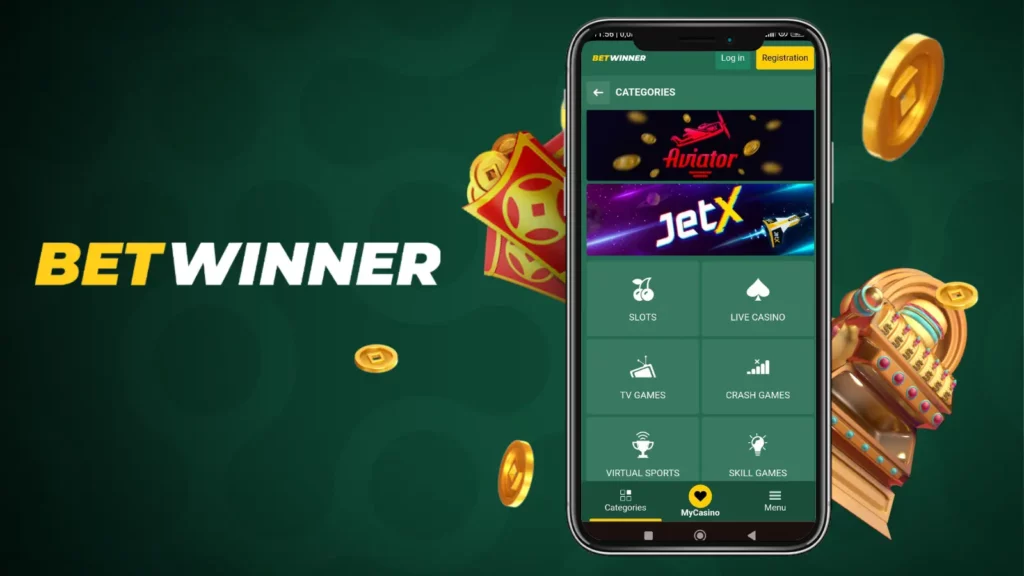
The Betwinner App gives mobile users access to almost every section of the Betwinner platform. The interface is designed to allow players to place bets, open games, and manage their accounts without complex navigation.
The mobile version focuses on speed and clarity. Most sections are accessible from the main screen, and key tools are usually available within one or two taps.
Main platform functions include:
- sports betting across international competitions
- live betting with updated odds
- casino games and instant titles
- account management tools
- deposit and withdrawal options
Because the system connects to the same infrastructure as the desktop platform, balances and bets remain synchronized across devices.
Sports Betting and Casino
One of the main reasons players install the Betwinner App is quick access to betting markets and casino games. The mobile interface allows these sections to open within seconds.
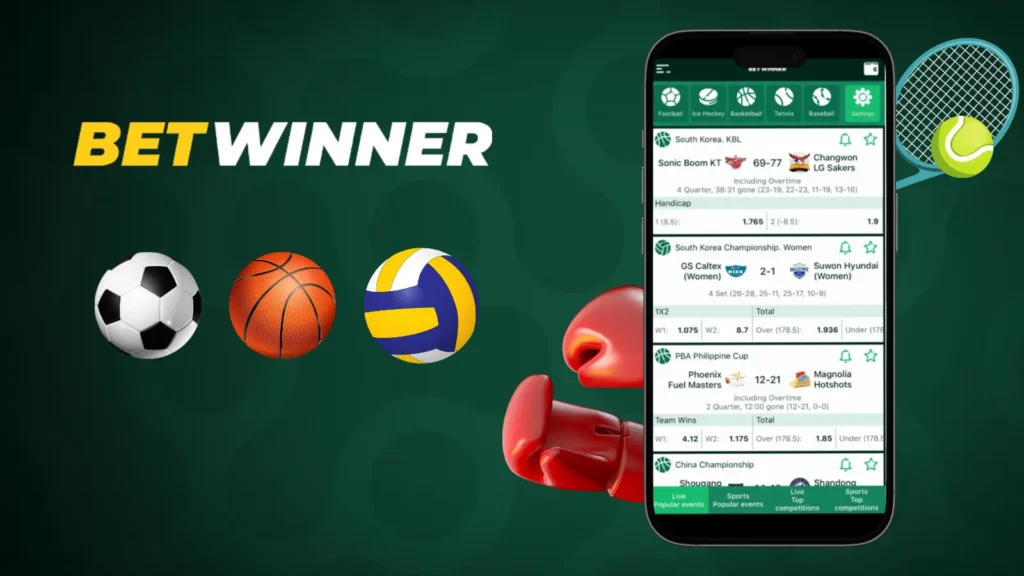
In the sports section, users can browse competitions, review odds, and place bets without leaving the current screen. Live events update automatically, helping players react quickly to odds changes.
The casino section includes a large library of games available directly on the platform. This includes slots, live dealer tables, and crash-style games such as Betwinner Aviator. These titles run in the same environment without switching to external services.
The mobile interface keeps the most popular sections easy to reach:
- sports events and live betting
- casino games and live tables
- instant games and crash titles
- personal betting history
This structure helps users move quickly between betting and gaming sections during the same session.
Navigation and Personalization
Navigation in the Betwinner App uses a compact menu system that groups the main sections to reduce the number of steps needed to reach them.
Most users access the following sections most often:
- sports betting markets
- live matches
- casino games
- account balance and transactions
- personal betting history
The platform also allows basic personalization. Players can mark favorite sports or competitions to display them faster in the betting menu.
Additional options include:
- saving preferred sports leagues
- viewing recently opened events
- quick access to active bets
These features make the mobile version easier to use during active sessions when users switch quickly between events or markets.
Registration and Login
Account access inside the Betwinner App follows the same structure as the main platform. New users can register in the mobile interface, while existing players sign in through the Betwinner Login system. Registration takes only a few steps and gives immediate access to betting, games, payments, and account history.
Main access options include:
- creating a new account in the mobile interface
- signing in with existing Betwinner Login credentials
- restoring access if login details are lost
After login, balance and activity stay synchronized across mobile and desktop devices.
Create an Account in the App
Creating an account through the Betwinner App takes a few minutes. The form requires basic details only. Typical registration data includes:
- phone number or email address
- account password
- preferred balance currency
- country selection
After submitting the form, the account becomes active and players can access betting markets, games, and the cashier. Additional verification may be required later when using payment functions.
Secure Access and Recovery
The Betwinner Login system uses encrypted connections to protect account access.
Basic security practices include:
- using a strong password
- keeping login details private
- logging out on shared devices
If access is lost, users can reset the password through the login page by confirming the registered phone number or email. After verification, a new password can be set and the account restored.
Payments in the Betwinner App
The Betwinner App allows users to manage deposits and withdrawals directly from the mobile interface. All transactions use the same cashier system as the main platform, so balances and payment history remain synchronized across devices. The cashier section in the account menu allows users to add funds, request withdrawals, and view recent transactions. Most operations follow a simple sequence: choose a method, enter the amount, confirm the request.
Payment functions include:
- adding funds to the balance
- withdrawing winnings
- checking transaction history
- choosing preferred payment methods
All financial operations follow the same verification and security procedures used across Betwinner.
Deposit Methods
Players in the Gambia can use several deposit methods in the Betwinner App. Available options depend on the region and account currency.
Deposit steps:
- Open the cashier.
- Select a payment method.
- Enter the amount.
- Confirm the transaction.
Common payment options include:
- bank cards such as Visa or Mastercard
- mobile payment services
- electronic wallets
- regional payment systems
Many deposits are processed instantly, allowing immediate use of the balance for betting or games.
Withdrawals and Limits
Withdrawals use the same cashier system. Players select a payment method, enter the amount, and confirm the request.
Withdrawal steps:
- Open the withdrawal section.
- Select a payment method.
- Enter the amount and confirm.
Typical withdrawal limits include:
- minimum withdrawal — from about 5 USD
- maximum per transaction — up to 10,000 USD
- daily limits — up to 50,000 USD for verified accounts
Processing time depends on the payment system:
| Payment method | Typical processing time |
| E-wallets | From a few minutes to several hours |
| Bank cards | 1–3 business days |
| Mobile payments | Up to 24 hours |
Using the App on PC
Although the Betwinner App is designed for smartphones, some users run the mobile version on a computer to use a larger screen. This is possible through Android emulators that simulate a mobile environment and allow APK files to run on a desktop system.
Players usually choose this option for:
- larger screen for live matches
- navigation with mouse and keyboard
- running the mobile interface on a PC
For many users, however, the desktop website remains the simpler option.
Android Emulators
Android emulators create a virtual Android device on a computer and allow APK applications to run inside it. Setup steps:
- Install an Android emulator.
- Start the emulator.
- Download the Betwinner APK file.
- Install the APK inside the emulator.
- Launch the platform and log in.
Most emulators run mobile apps without changes, though performance depends on computer hardware.
Mobile App vs Desktop
Both the mobile application and the desktop version give access to the same platform sections. The main difference lies in interface design and navigation style.
| Feature | Mobile version | Desktop version |
| Interface layout | Optimized for touch screens | Designed for large displays |
| Navigation | Compact menus | Expanded menus and panels |
| Live betting view | Focused on single events | Multiple events visible at once |
| Notifications | Push alerts on device | Browser notifications |
| Best use case | Quick access on the go | Detailed analysis on larger screens |
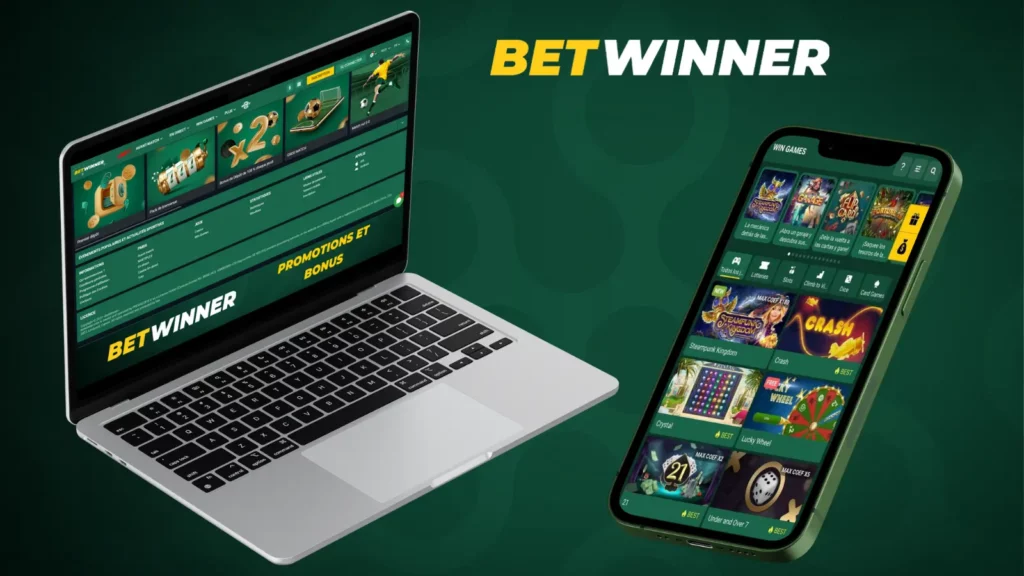
Most players switch between the two depending on the situation. Mobile access is convenient during travel, while the desktop interface is often preferred for long betting sessions.
Bonuses and Promotions
The Betwinner platform includes various bonuses and promotional campaigns. These offers are also available through the Betwinner App, which means players do not need to open the desktop website to participate. Promotions usually target different types of activity:
- sports betting
- casino play
- live betting
- deposit campaigns
The mobile interface allows players to activate and track these offers directly from the account menu. Promotional conditions always include specific rules such as wagering requirements or time limits. These terms are displayed before the bonus is activated.
Bonuses for App Users
Some promotions are available specifically to players who use the Betwinner App. These offers encourage mobile access and reward users who place bets or play games through the mobile interface. Typical examples include:
- deposit bonuses for mobile users
- increased odds for selected sports events
- special cashback campaigns
- free bet offers linked to mobile activity
These bonuses work in the same way as standard promotions on the platform. Players activate the offer, meet the required conditions, and receive the bonus reward.
Mobile Promotions
Mobile promotions focus on convenience and speed. They are usually designed for players who access the platform frequently from their phones.
Common formats include:
- short-term betting boosts for live matches
- tournament promotions in casino games
- temporary deposit bonuses during major events
- loyalty rewards for regular mobile activity
Because the Betwinner App connects directly to the platform, these promotions update automatically. Players can view new offers, activate bonuses, and track progress directly from the promotions section of the account menu.
Problems and Solutions
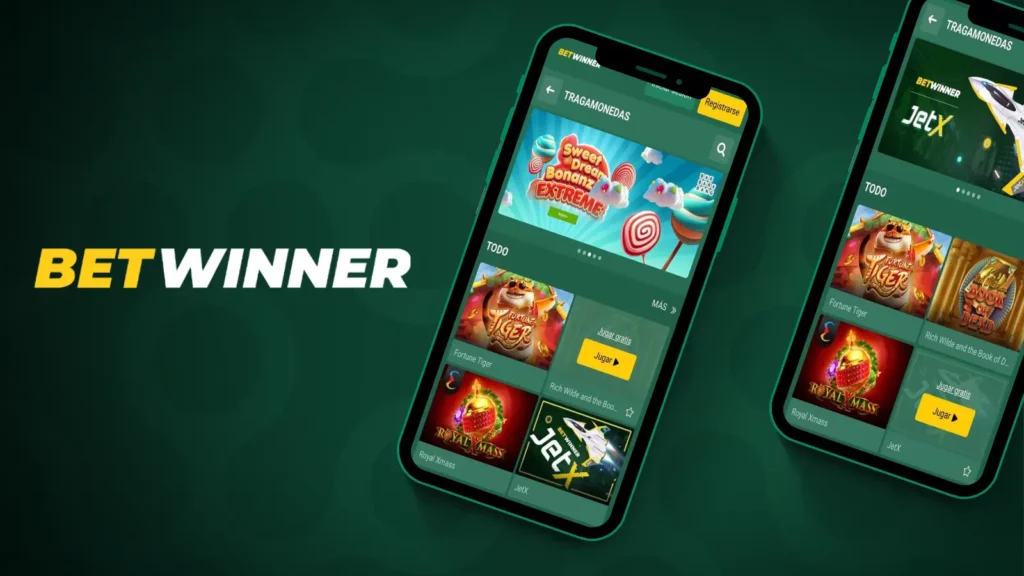
Even stable mobile applications can occasionally encounter technical issues. Most problems related to the Betwinner App are simple and can be solved quickly without contacting support.
The most common situations reported by users include:
- installation problems after downloading the APK
- the program not opening after installation
- slow loading due to connection issues
- compatibility problems with older Android versions
In most cases the cause is related to device settings, storage limits, or outdated software. The good news is that these issues usually have straightforward solutions.
App Not Installing or Opening
If the Betwinner App does not install or launch, the problem usually comes from system settings or an incomplete download. The first thing to check is whether the device allows installation from external sources. Android blocks APK installations by default until this permission is enabled.
Common solutions include:
- enable installation from unknown sources in device settings
- delete the old APK file and download it again
- check that the device has at least 100 MB of free storage
- restart the phone before installing again
If the program installs but does not open, clearing temporary system memory often helps. Restarting the device usually resolves this situation.
Errors and Compatibility
Compatibility problems usually appear on devices with older operating systems or heavily modified Android firmware. The Betwinner App runs best on Android 5.0 or newer. Older systems may not support some modern interface components.
Typical compatibility solutions include:
- updating the Android operating system
- removing older versions of the application before reinstalling
- clearing cached files from previous installations
- checking available device memory
In rare cases, performance issues may appear on very low-power devices. Closing background programs usually improves stability.
App Updates
Regular updates help keep the Betwinner App stable and compatible with new Android versions. Updates may include interface improvements, bug fixes, and performance adjustments. Because the application is installed through an APK file, updates are usually completed by installing a newer version of the file over the existing one.
Updating the program helps ensure that users receive:
- improved system stability
- faster loading of betting markets
- support for new platform features
- security improvements
Most updates are relatively small and install within a few seconds.
How to Update the App
Updating the Betwinner App follows a process similar to the first installation. Typical update steps include:
- Open the Betwinner website from a mobile browser.
- Download the newest APK version.
- Open the downloaded file.
- Confirm the installation when prompted.
The Android system automatically replaces the previous version while keeping account data and settings intact. Players do not need to reinstall the program from scratch. The update simply refreshes the application files.
New Features
Updates often introduce small improvements that make navigation and performance better. These changes usually focus on usability rather than major design changes.
Recent updates have typically included:
- faster loading of sports markets
- improved navigation between sections
- more stable live betting updates
- optimization for newer Android devices
These improvements help keep the Betwinner App responsive even during high traffic periods such as major sporting events.
FAQ
Android users can download the APK installation file from the official website and install it directly on their device. After installation, the platform opens with access to sports betting, casino games, and account tools.